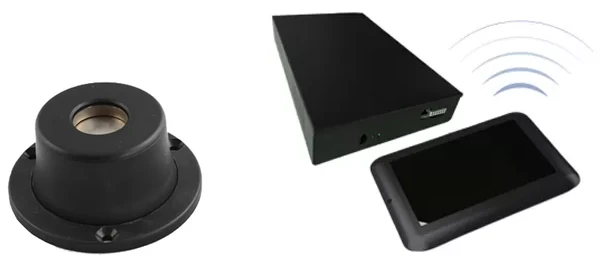
- Tag detacherPlace a hard tag on it and the magnet releases the pin
- DeactivatorThe main unit connects to your checkout scanner and POS
- PadPass a label over the pad to switch it off
- BaseScrew holes in the base secure it to the checkout counter
Tag detachers and label deactivators
At checkout, staff remove hard tags and switch off labels so the gate stays quiet. It all fits into the normal checkout motion.
- Tag detacherPlace a hard tag on it and the pin releases
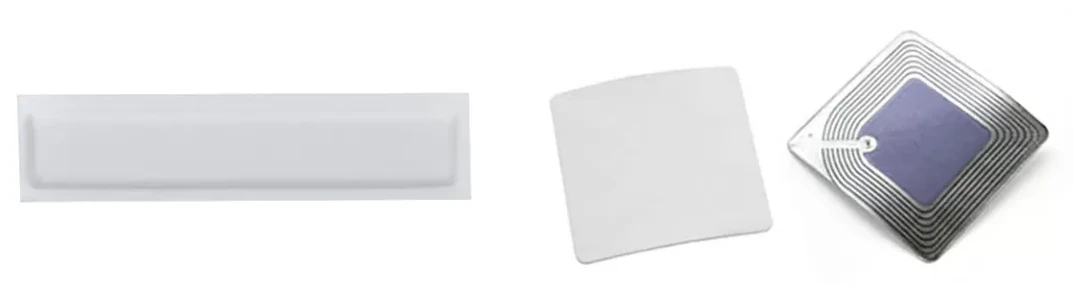
- Label deactivatorPass a label over the pad to switch it off
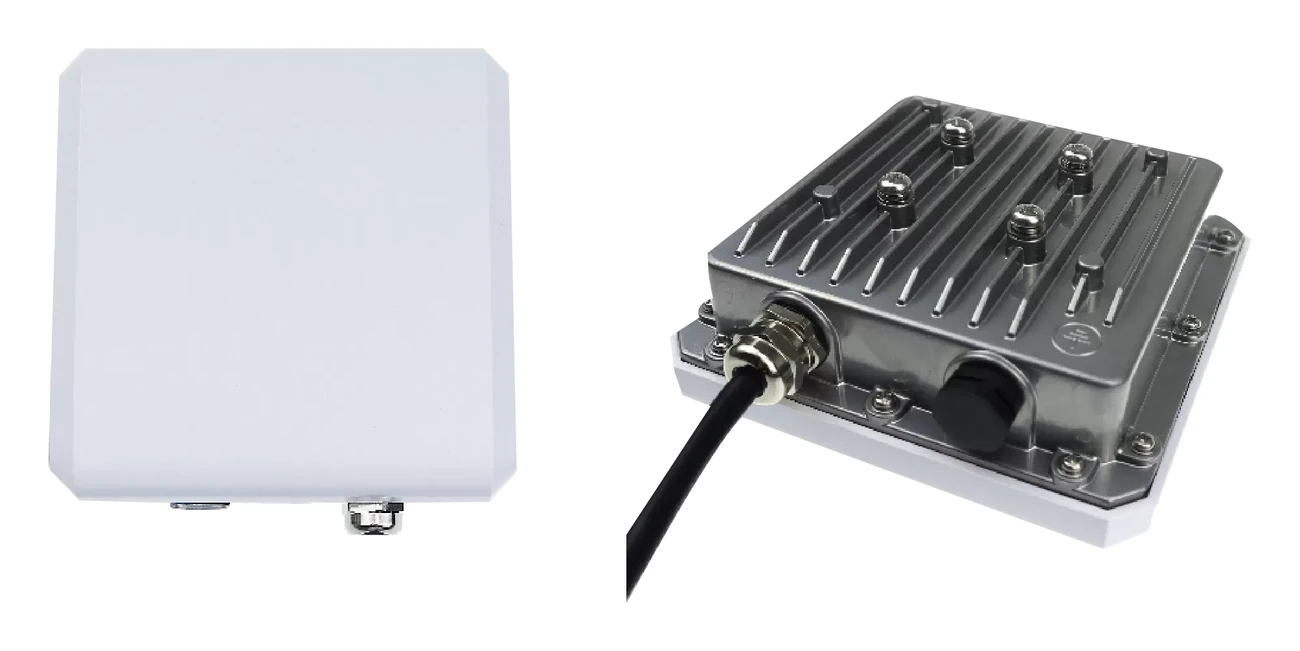
- Dual AM/RF deactivatorSwitches off both AM and RF labels and flags any that aren't fully off
- Scanner and POS
- The deactivator works with your checkout scanner and POS, switching labels off as part of the normal checkout motion.
- Plug and play
- Plug it in and it's ready to use. Adjust sensitivity in the software.
- Reusable tags
- Hard tags removed with the detacher go on the next item.
Where it's used
 Apparel & accessories checkoutsRemove hard tags and switch off labels, then wrap the purchase.
 Supermarket & drugstore checkoutsPlaced next to the scanner, it switches labels off as barcodes are scanned.
 Online orders shipped from storeParcels shipped from store stock also get their tags removed and labels switched off.
How it works at checkout
- 01ScanScan the item's barcode at the checkout.
- 02Detach and deactivatePlace hard tags on the detacher to remove them, and pass labels over the pad to switch them off.
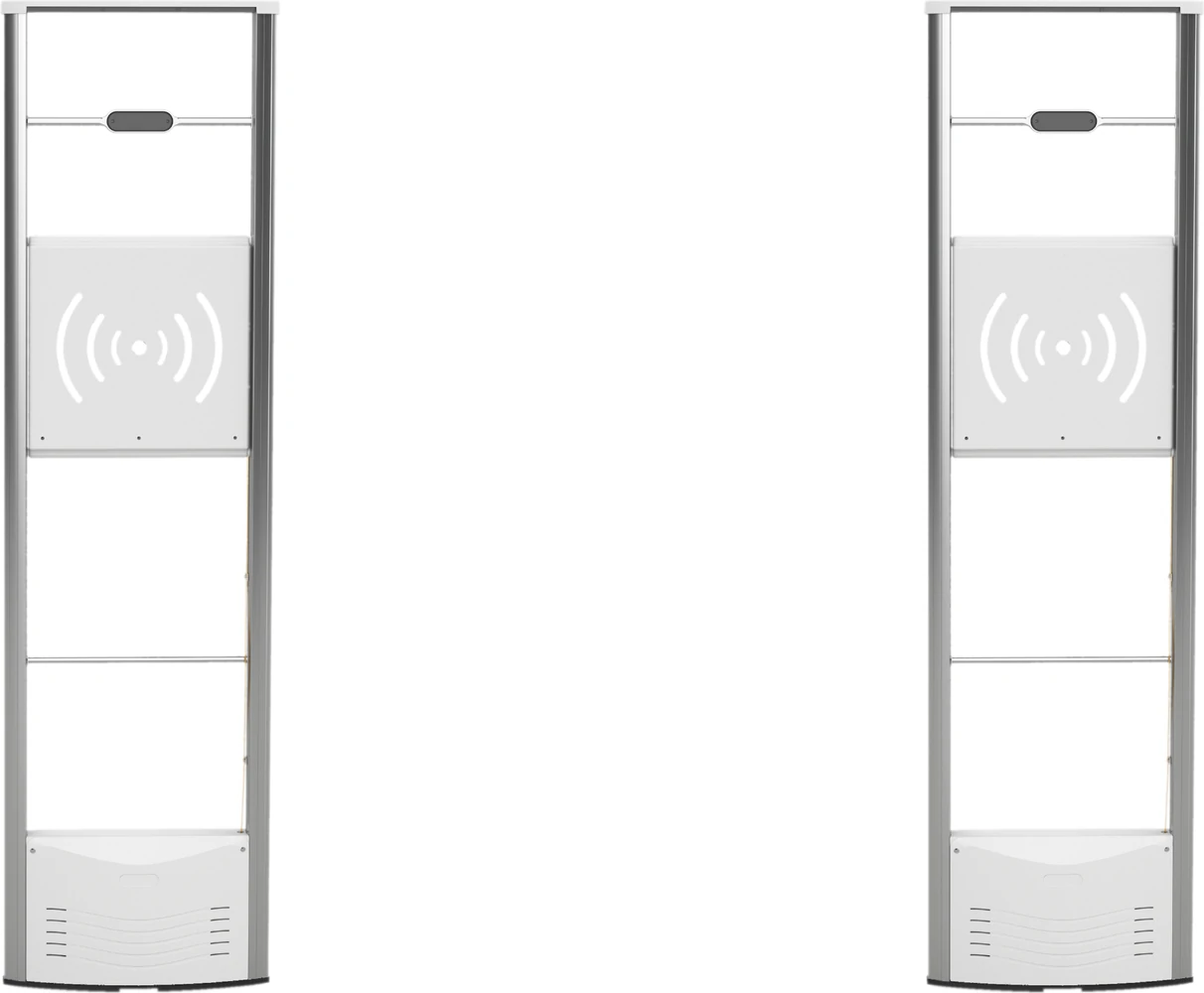
- 03Out the doorItems pass the gate without setting it off. Removed hard tags go back into use.
We work out how many detachers and deactivators you need from your number of checkouts and your label technology.
Specifications
- Products
- Tag detacher and label deactivator (for checkouts)
- Tag detacher
- Magnetic, Ø53×37mm, 250g, magnet strength 4,500GS or more (per the manufacturer)
- Label deactivator
- For AM labels. Detection height 25cm, deactivation height up to 15cm, per the manufacturer
- Dual AM/RF deactivator
- Detects and switches off both AM and RF labels, and flags labels that aren't fully off
- Connectivity
- Connects to your checkout scanner and POS
- Setup
- Plug and play, with sensitivity adjusted in software
- Used with
- Hard tags, EAS labels, anti-theft gates, POS
Specifications are the manufacturer's data for the products we plan to supply. The model may change to suit your store, and performance figures are as stated by the manufacturer.
Works with
All products →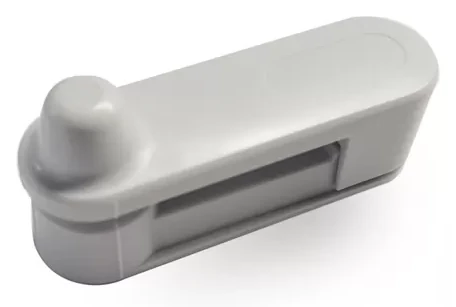
Frequently asked questions
Does removing a hard tag take long?
Place the tag on the detacher and it releases right away. It's done within the checkout motion.
What if an item leaves with its label still on?
The gate alarm goes off as it passes. The dual AM/RF deactivator flags labels that aren't fully off while the item is still at the checkout.
Do RFID labels need switching off too?
With RFID, paid items are recorded as sold in the software, so the gate recognizes them without the labels being switched off.
Can it be added to my existing checkout?
It connects to your scanner and POS. Tell us your checkout models when we talk.
Detach and deactivate in the same move as checkout
Tell us how many checkouts you have, your label technology, and your scanner and POS. We'll pick the right detachers and deactivators.