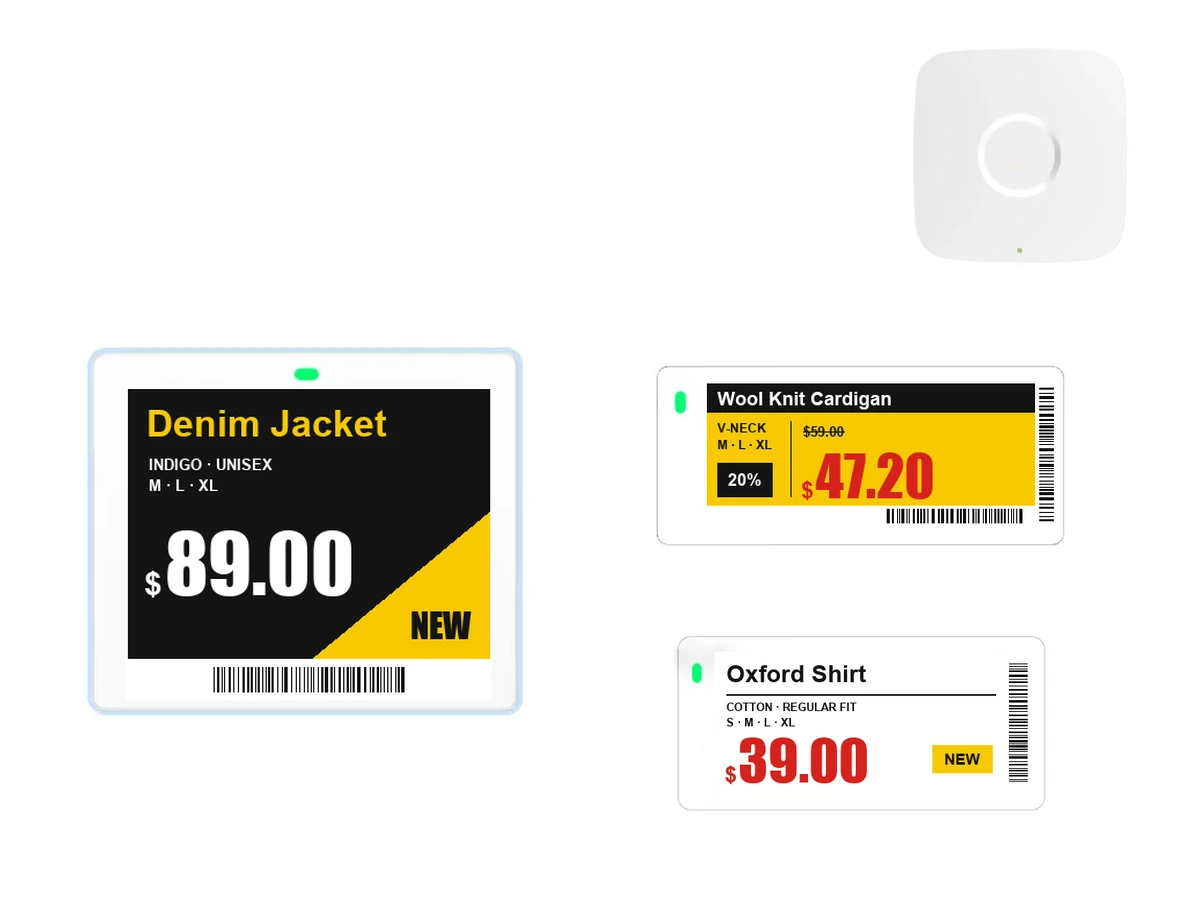
- PriceChange it in the management software and the labels follow
- Base stationCeiling unit that talks wirelessly to the labels (BLE 5.1)
- DisplayFour-color e-paper: black, white, red and yellow
- LightAn RGB light marks where the item belongs
Electronic shelf labels
E-paper price labels for shelves and tables. Change a price in the management software and the labels in your store update wirelessly.
- Shelf labelsE-paper screens for shelves, tables and rails
- Base stationMounted on the ceiling, it talks wirelessly to the labels
- Management softwareUpdates prices from a price file or POS data
- Bulk price changes
- Change prices for a sale day all at once. No walking the store to swap paper labels.
- E-paper display
- It doesn't give off light, so it reads like a paper label, and it uses power only when the screen changes.
- Location light
- The label's RGB light blinks to show where an item goes, so restocking and finding products are faster.
Where it's mounted
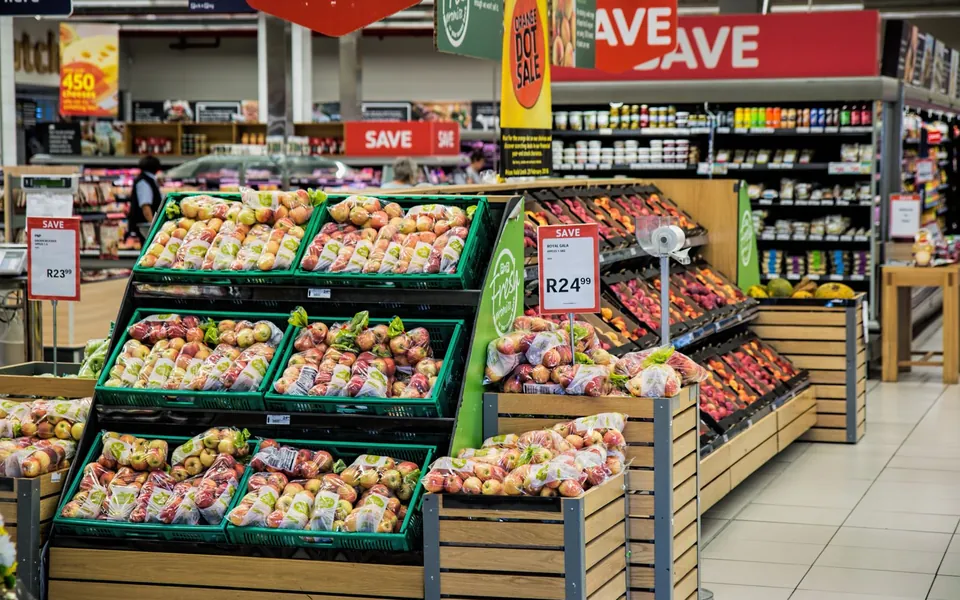 Supermarket & grocery shelvesFor shelves where prices change often. Update sale prices all at once.
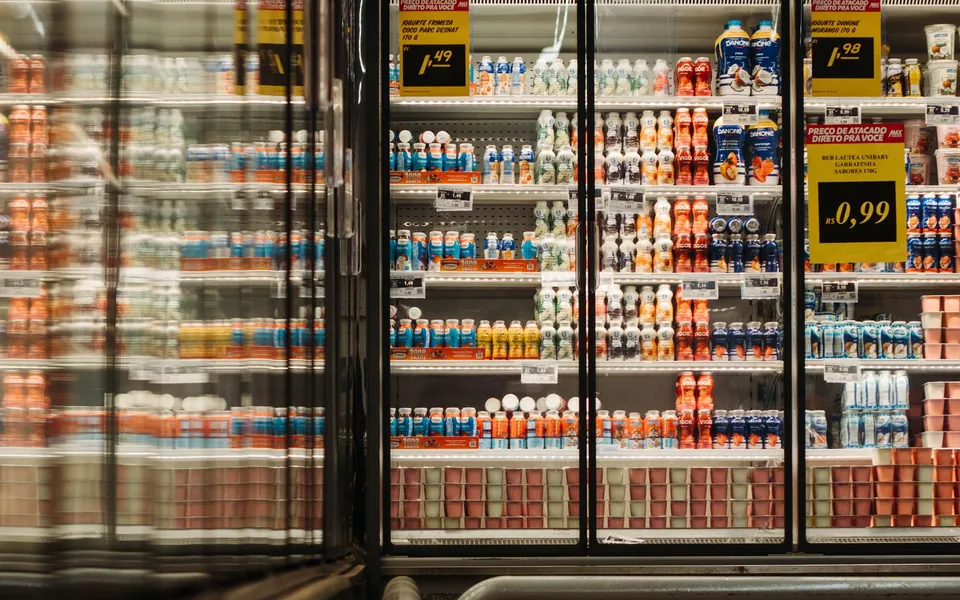 Chilled & frozen displaysChoose labels made for low temperatures. Prices change without opening the doors.
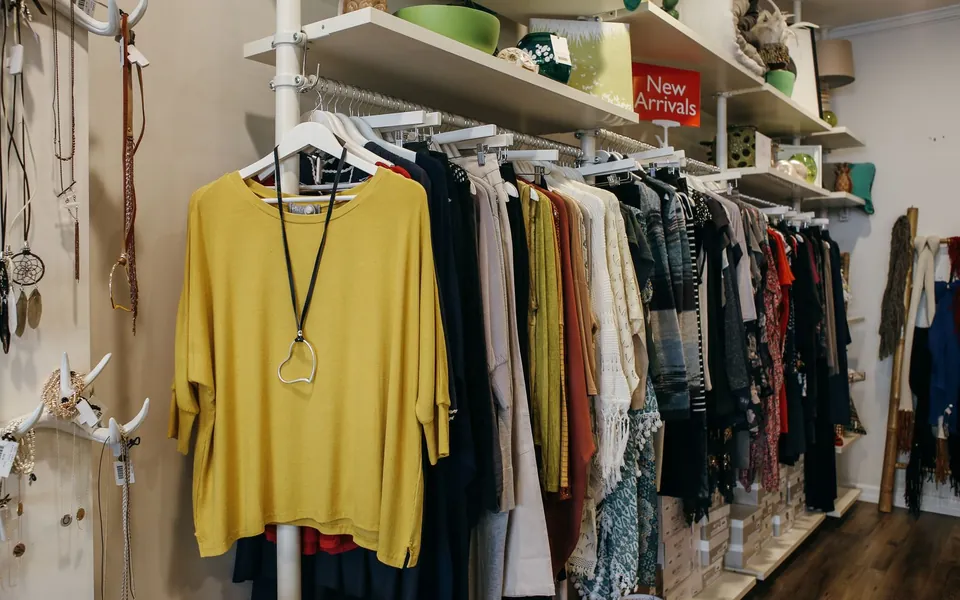 Apparel & accessories storesLarge labels on rails and shelves show prices and product details.
How a price change reaches the shelf
- 01Management softwareChange prices from a price file or your POS.
- 02Base stationSends the new prices wirelessly to the labels in store.
- 03Shelf labelsThe label screens on the shelves switch to the new price.
We work out how many base stations you need from your floor area, ceiling height and number of labels.
Specifications
- Products
- Electronic shelf labels (ESL)
- Display
- 4-color e-paper (black, white, red, yellow)
- Size
- From 2.13 and 2.9 inches for shelves to 4.2, 7.5 and 10.2 inches for tables
- Communication
- BLE 5.1 with the base station, 128-bit AES encryption, over-the-air updates
- Battery
- CR2450 coin cell. 5 years at four updates a day, per the manufacturer
- Light and NFC
- RGB light marks the item's place (except 10.2-inch), NFC
- Operating temperature
- 0~40°C
- Base station
- Power over Ethernet (PoE), Wi-Fi 2.4/5GHz, 20m or more, up to 5,000 labels, roaming
- Mounting
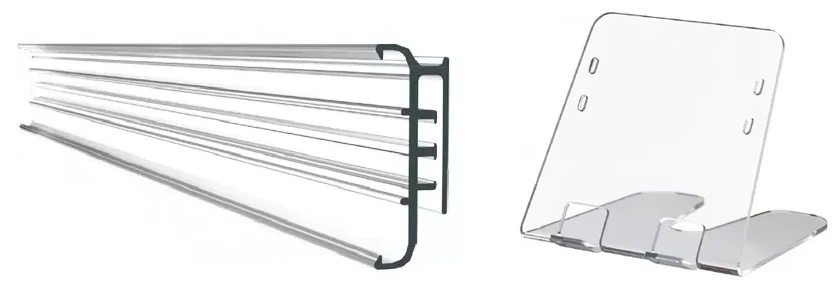
- Shelf rails, hooks, stands
- Connectivity
- Price files, POS, inventory software
- Used with
- Base stations, management software, mounts, rails
Specifications are the manufacturer's data for the products we plan to supply. The model may change to suit your store, and performance figures are as stated by the manufacturer.
Works with
All products →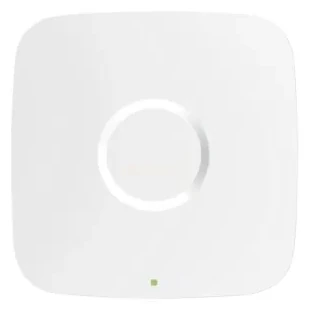
Frequently asked questions
Can I use them alongside paper labels?
Yes. You can bring them in one section at a time, starting where prices change often. For what to check first, see our guide “What to check before you install electronic shelf labels”.
How long does the battery last?
A long time, because the label uses power only when the screen changes. Battery life depends on how often you change prices and on the product, so when we talk we'll give you the figures for the product you choose.
Can they go on chilled and frozen displays?
There are labels made specifically for low temperatures. Tell us the display temperature and we'll choose the right product.
Does it connect to my current POS?
It takes a price file or POS data and updates the labels from it. Tell us what software you use and we'll work out the connection with you.
Which labels, and how many?
Send a few photos of your shelves and the number of labels. We'll work out label sizes and the base station setup.