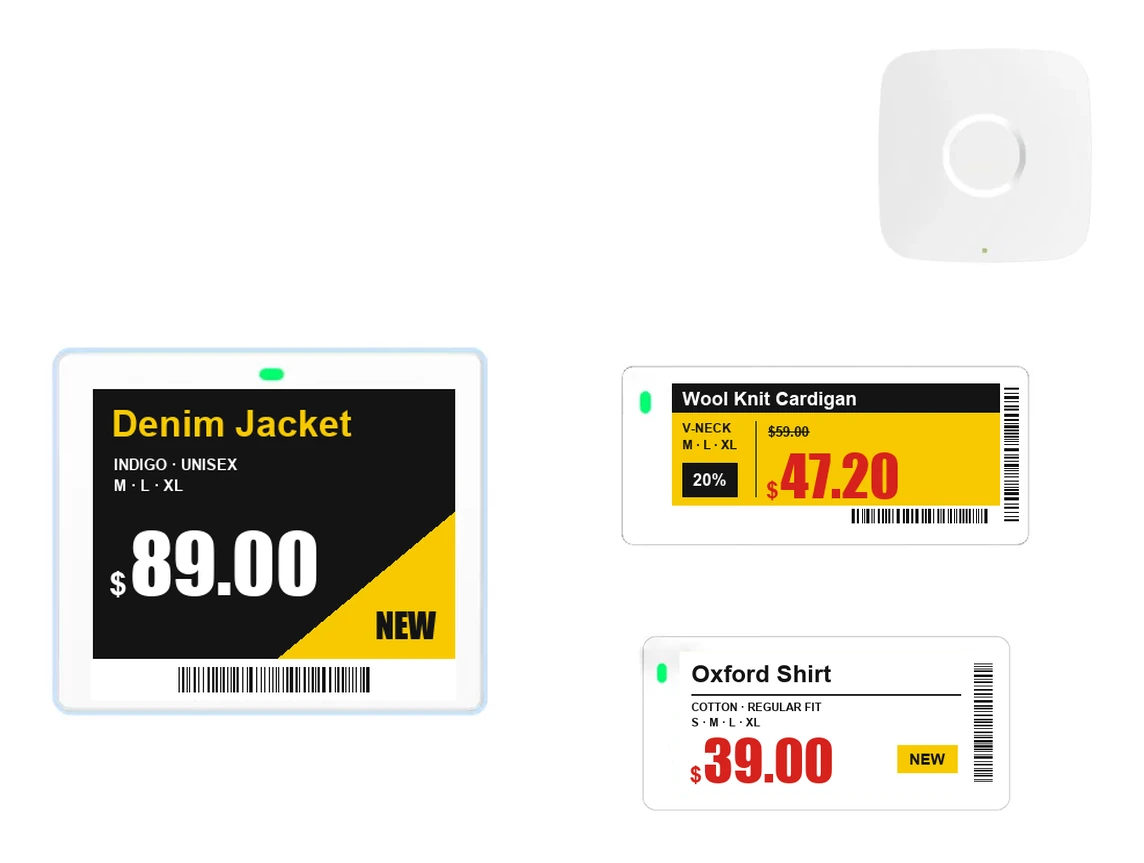
When your price data changes, electronic shelf labels receive the new price wirelessly through a base station and update their displays. Before you install them, check five things: the fixtures and shelf edges where the labels will go, how often you change prices, what the labels need to show, where the base stations will go and whether the labels use the same price data as your checkout. E-paper displays use power only when they change, so the more often you change prices, the more battery you use.
How a price reaches the label
From price data, through the base station, to the label
The management software holds your product and price data. When a price changes, it bundles the changes and sends them to the base station, which passes them wirelessly to the labels in the store. Most products use radio for this; some use infrared or light.[1]
E-paper uses power only when the display changes
An e-paper label holds its display without power once it has been updated. An LCD label uses power the whole time its display is on.[1]
Five things to check first
Decide where and how labels will be mounted on your fixtures
Electronic shelf labels usually go on the front edge of the shelf.[1] Shelf shapes and rails vary, and some labels hang on clothing rails or refrigerated display cases. Each mounting spot needs its own accessories and label size. Chilled and frozen sections have their own labels made for low temperatures, so check the temperature of those sections first.
The more often prices change, the more battery the labels use
Look at how many times a day you change prices, and how many labels each time. If your store runs frequent promotions, factor the number of updates into how long the batteries will last.
Show the price only, or images and QR codes too
Many e-paper labels are black and white. Products that use low-frequency radio exchange only small amounts of data at a time, which makes complex images hard to display.[1] Decide first what you want to show besides the price.
Base station positions are planned from floor plans and measured on site
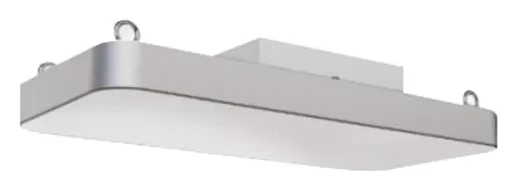
The base station's job is to reach the labels reliably over long distances.[1] How many you need, and where, depends on the floor area, ceiling height, shelf layout and number of labels.
Price data comes from the same source as your checkout
To keep shelf prices and checkout prices from drifting apart, both have to come from the same price data. Decide first how the data will come from your current POS or price file.
| What to check | Why it matters | Good to have ready |
|---|---|---|
| Fixture and shelf edges | Affects mounting accessories and label size | Photos and dimensions of fixtures |
| Update frequency | Every update uses battery | Last month's price change records |
| Content | Often black and white; complex images are hard | Your current paper labels |
| Base station positions | Number and position vary with area and layout | Store floor plan |
| Price data | Shelf and checkout prices must match | Names of your POS and software |
How it differs from paper labels
No more walking the aisles to change prices
Paper labels have to be printed and swapped by hand, but electronic labels change their display when the data changes. They save staff time on pricing and can be used for inventory management too.[1]
At first, check the updated labels on the shelf in person
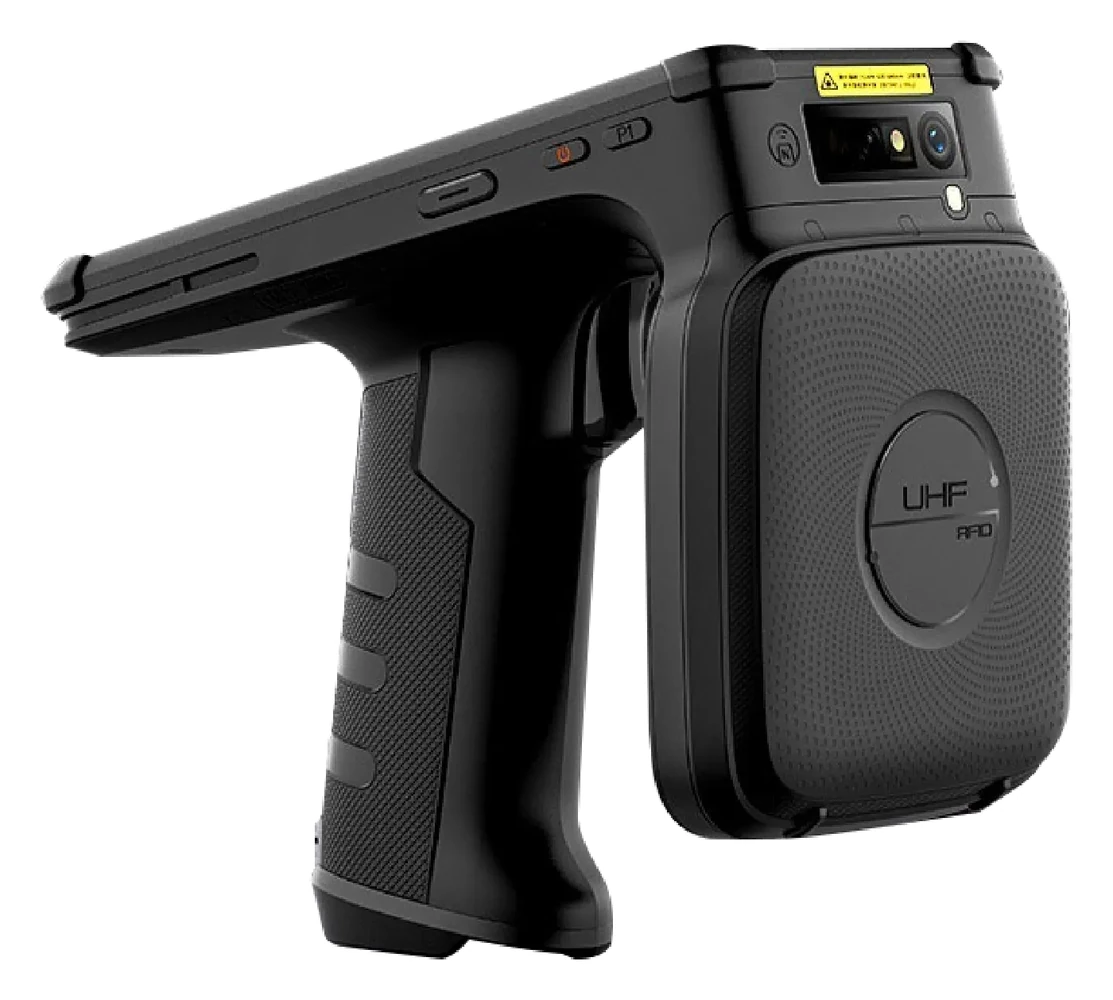
For a while after installation, walk the store to confirm that changed prices show correctly on the shelves. This is also when you find missing labels and spots with weak wireless coverage.
Rollout steps
- Assess your storeFrom photos of your fixtures, floor plans and price change records, we work out label sizes and base station positions.
- Pilot one or two fixturesStart with fixtures where prices change often, and check how quickly the labels update and how the displays look.
- Connect the price dataLink to your POS or price file so shelf and checkout prices match.
- Expand to the whole storeExtend to the remaining fixtures, adjusting base station positions as you go.
Sources
- Wikipedia, “Electronic shelf label”, en.wikipedia.org
Links checked in November 2026.